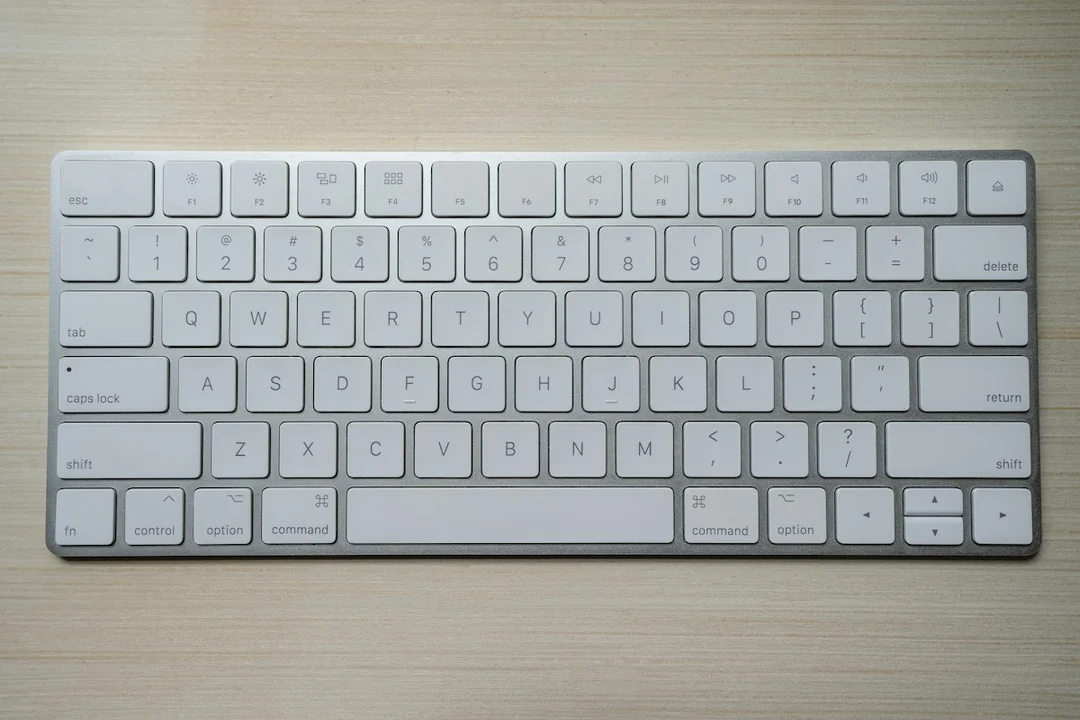
Desk depth should follow the equipment arrangement and the work, not an empty dimension in a catalogue. A deep surface can still leave the keyboard inconveniently far away if devices are placed poorly, while a shallow surface may lack space for a stable monitor and usable input area. Plan the active footprint before choosing a desk size.
Arrange the actual components on paper and in use
List the monitor support, keyboard, pointing device and any paper area needed together. Include the monitor stand's base rather than only the panel width. A large stand can occupy the same front-to-back space needed for the keyboard, even if the screen appears slim. Use exact model dimensions where available and distinguish them from a product family's general description.
Place the input devices in a useful working area first, then check screen readability at a supported stable position. Do not solve a monitor-space problem by pushing the keyboard to the rear of the surface. Adjust appropriate text size and window layout during the comparison. The screen's useful viewing relationship depends on content and the user, not a universal desktop depth alone.
Include the actions around the objects. A mouse needs movement room, paper needs hand space and a laptop may need its lid opened or cables removed. A plan in which every rectangle fits tightly can still fail during ordinary work. Test transitions between typing, pointing and reading with a safe temporary arrangement when practical.
Check support, clearance and room access
Inspect the underside as well as the top. A thick apron or drawer can limit knee space, and the desk frame may prevent the chair from approaching. Greater depth does not necessarily remove those obstructions. Compare the whole desk geometry with the actual chair and user rather than using the tabletop measurement as a proxy for fit.
If a monitor arm is proposed to release surface space, confirm the desk's suitability for its mounting method and load. Check instructions for the top material, thickness and position. An arm can change the equipment footprint but introduces mounting and movement requirements of its own. Do not count the recovered space until the combination has been shown compatible.
Compare the desk's depth with the remaining room space, including the chair's departure area and nearby doors. A larger surface may improve equipment placement while blocking a necessary route. Preserve access and applicable clearance requirements, and consider a different shape or room location where the trade-off cannot be resolved by moving the keyboard alone.
Record the smallest complete arrangement that supports the task without crowding, then compare suitable products and their construction details. Leave practical allowance for connections and ordinary movement rather than filling every available centimeter. A useful desk size provides workable locations for the equipment and person, while fitting the room's real use rather than maximizing the surface simply because a wall is long enough.