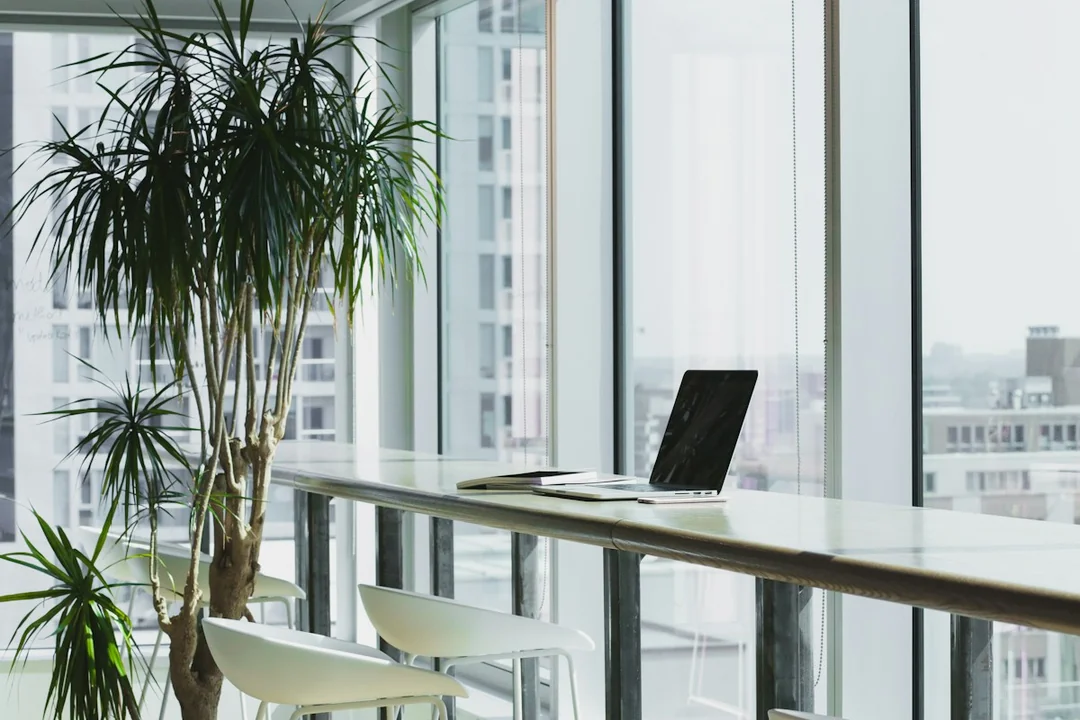
The direction a camera faces influences privacy, lighting and what other people can see during calls. Choose that direction before fixing the desk permanently, because correcting an unsuitable background later may require moving the whole workstation. Test the actual meeting view rather than judging the room from where the chair will sit.
Inspect the full camera view
Open the intended calling software and use its preview with the camera positioned as planned. Check the frame edges, not only the area immediately behind the user's head. A doorway, reflective surface or second screen may reveal more than expected. The visible field can differ between applications, resolutions and camera settings, so use the setup that will actually handle calls.
Consider normal household movement through the background. A shared room or route may remain active during working hours, and other occupants should not be expected to stay out of an essential space without agreement. Choose a direction that reduces avoidable exposure, or plan a suitable physical screen and schedule. Do not treat virtual background processing as a guaranteed privacy barrier.
Check documents, photographs and devices within view. Confidential work can appear on a nearby monitor or in a reflection even when the main camera angle looks clear. Remove unnecessary visible material and handle sensitive information through the appropriate work process. Reassess after changing the camera's mounting height or switching between the laptop camera and an external device.
Compare lighting and the screen relationship
Test the direction during the relevant call hours. A bright window behind the user can make the face difficult to see, while direct light in front can create glare on glasses or discomfort. Adjust suitable room lighting and window controls before buying equipment. Compare the actual video output because automatic exposure may react differently as daylight changes.
Keep the camera position compatible with readable screen content and accessible controls. A camera angle that looks attractive may place the meeting screen far from where the user reads or takes notes. Consider locating the relevant call window near the camera where practical, without blocking the lens or making the text too small to use.
Listen as well as look. A location with a private background may still pick up conversations from another part of the home. Use a sample recording or the application's test tools with appropriate consent and no confidential material. A headset or noise filter can change the sound but cannot establish that a room is acoustically private.
After choosing the direction, verify chair clearance, power and network routes before securing mounts or moving heavy furniture. Keep a short pre-call check for background, camera, microphone and output. This makes the decision part of a complete workstation plan, preserving privacy and usable communication rather than optimizing a single attractive frame that fails during ordinary household activity.